Which ad sells
which product.
Sync your Shopify catalog, link every creative to the products and variants it features, and filter by any product to see every ad made for it.
Creatives4
See all →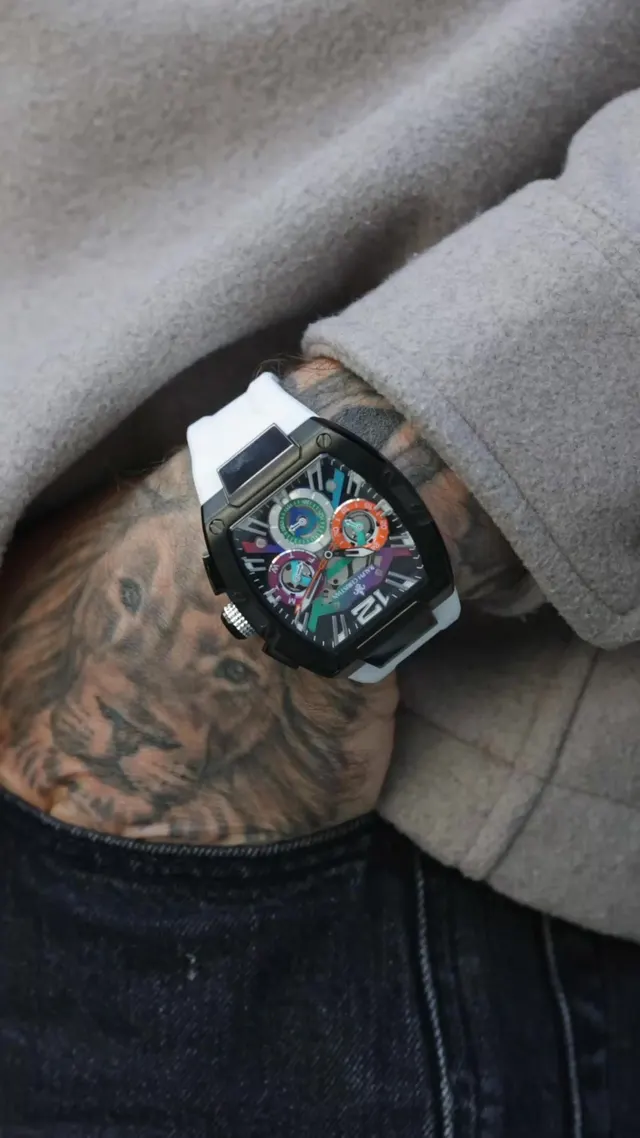
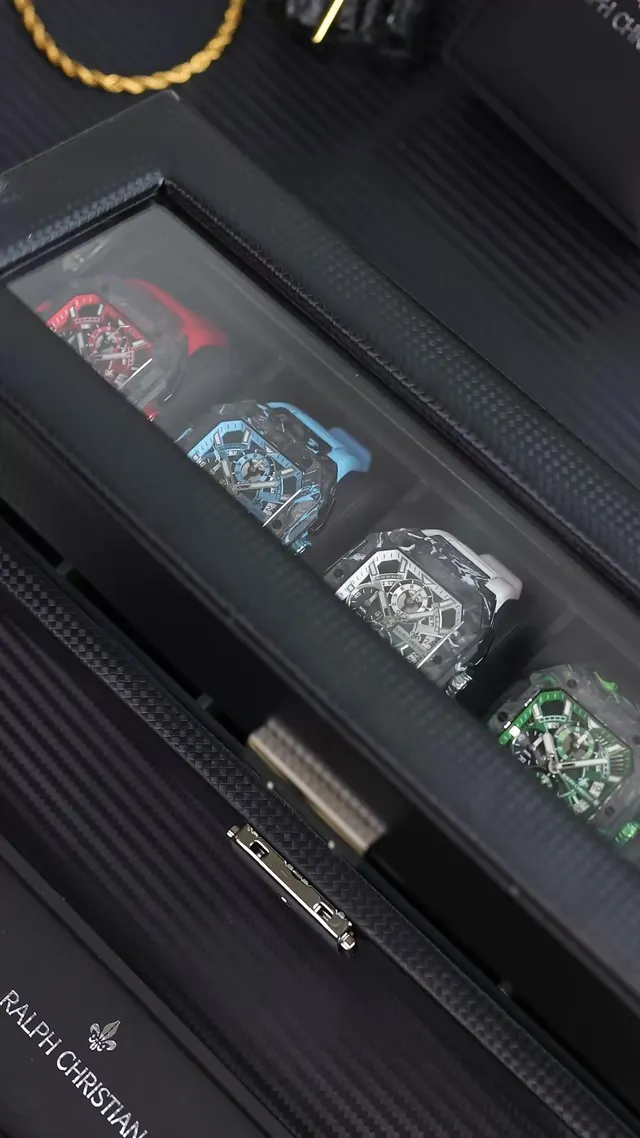
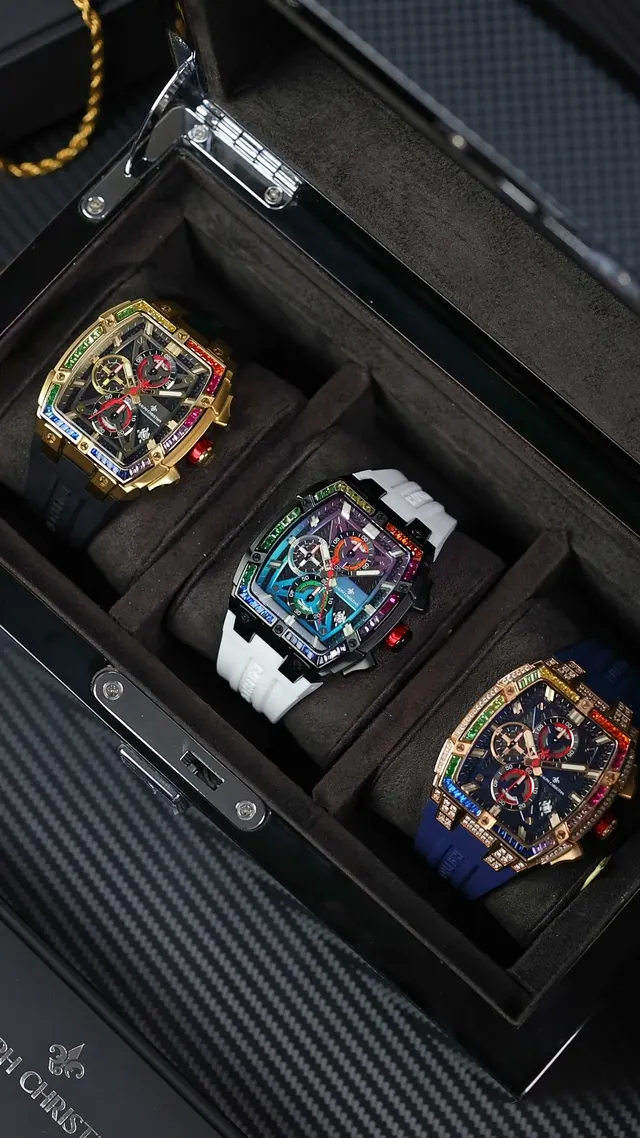
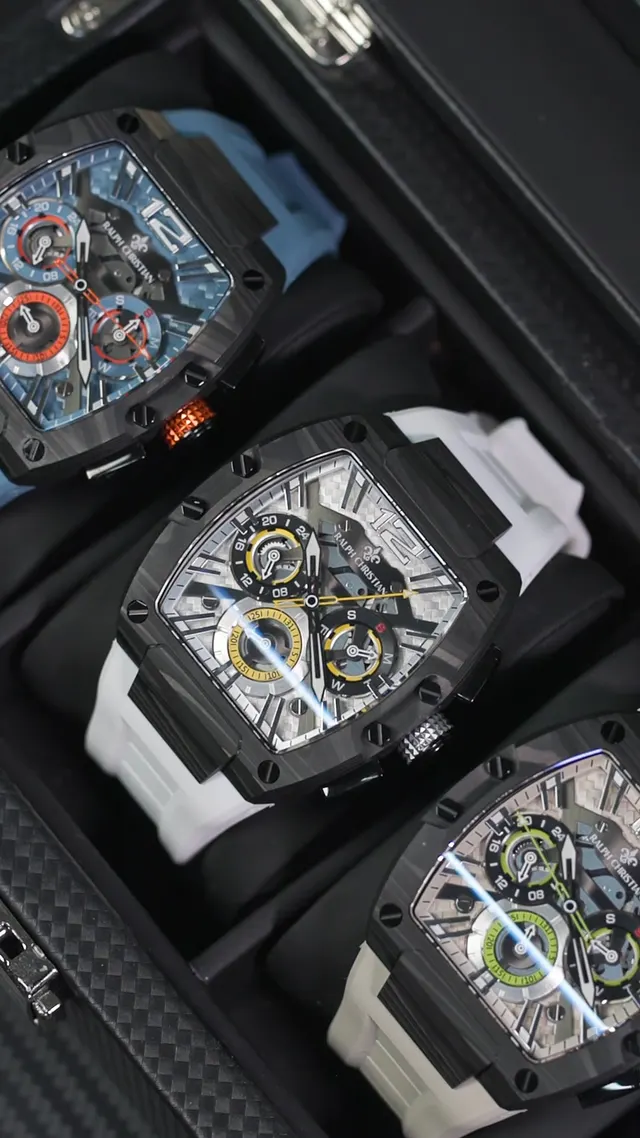
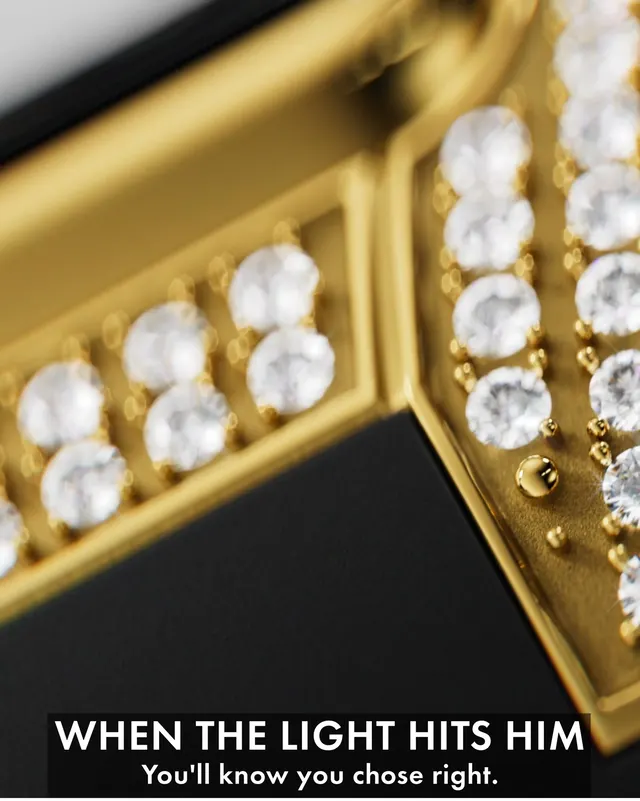
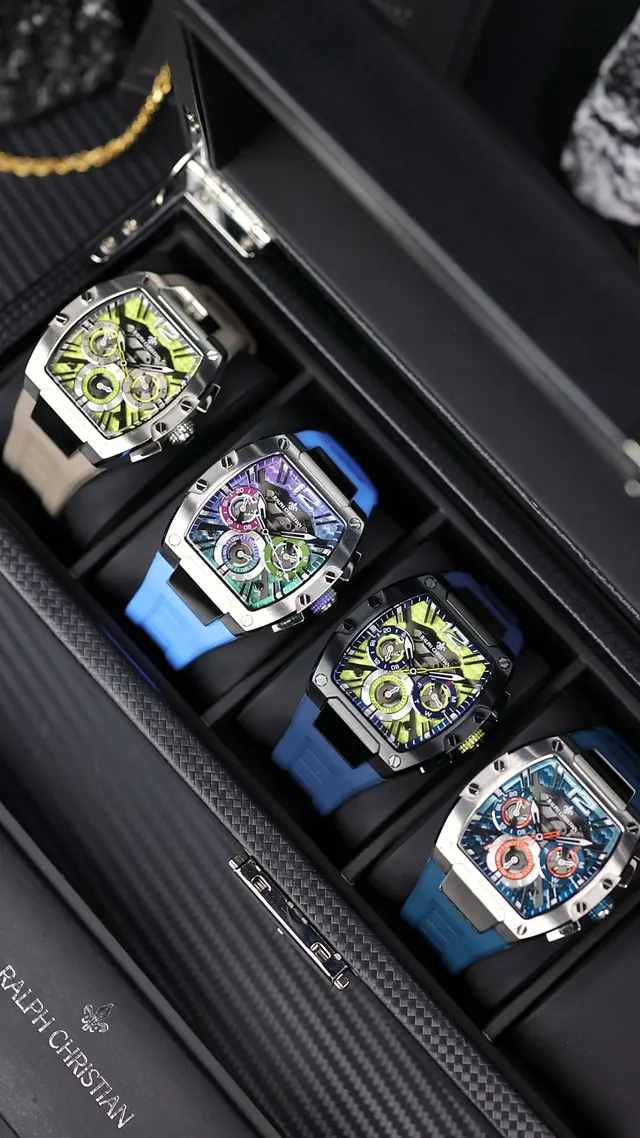
“What do we already have for the Diver 42 launch?”
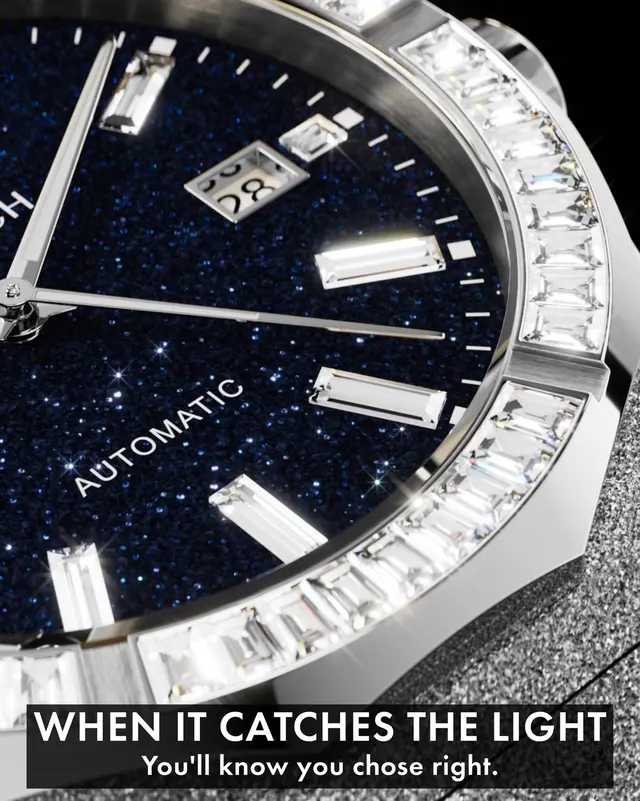
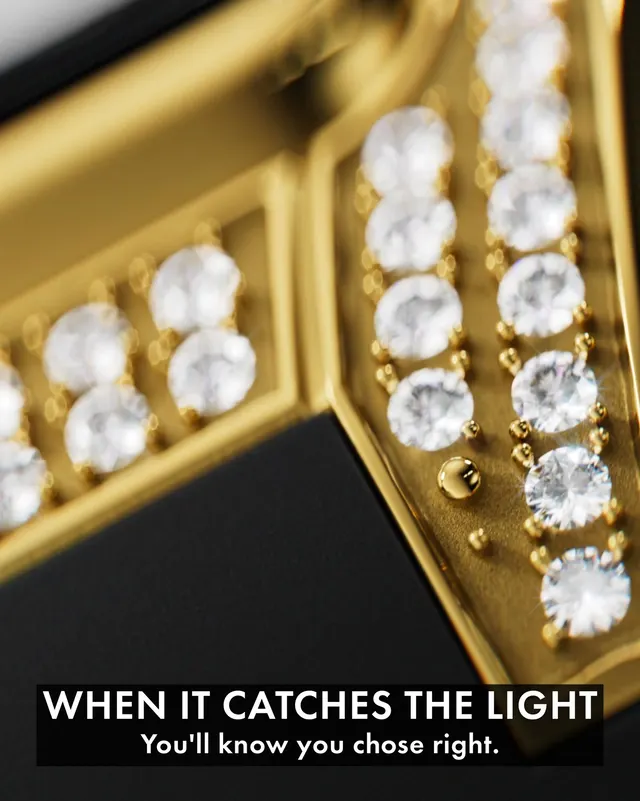
Your catalog is the spine.
One click pulls your published products, variants and images from your store. Every creative hangs off the product it sells.
Spend and ROAS, per creative.
Link a creative to the Meta ads it ran as, and its spend, ROAS and daily trend sit on the asset. Ask Fovi which creatives sell a product and it ranks them by results.
Nobody else ties ad results to the product.
Analytics tools see the ad. DAMs link images to the store. Fovea joins the two with your Meta results.
Based on each company's public site, docs and integration listings, as of October 2026. Tell us if something has changed and we will update this table.
Questions, answered.
What does the Shopify sync bring in?+
Your published products, their variants and images. Images are copied to Fovea's own storage, so nothing breaks when the store's CDN changes.
Can one creative feature several products?+
Yes. Link every product a creative shows, each with an optional variant. Or select fifty creatives in the Library and link one product to all of them at once.
Does Fovi link products for me?+
It suggests matches from your catalog, down to the variant, and a person approves them in Tag Review. AI product suggestions are included on Growth and above.
Do I need Shopify to use Fovea?+
No. The library, AI tagging and Meta performance work on their own. Shopify adds catalog and variant sync, so you can see which ad sells which product.
Can I see ROAS per product?+
Each linked creative shows its own spend and ROAS, and Ask Fovi ranks a product's creatives by results. A roll-up of spend and ROAS per product and variant is coming soon.
Find out which ad
sells what.
Connect Shopify and Meta, drop in your creative, and find out what sold each product.
Start free- 14-day free trial
- No card
- No ad-spend caps